Help · Design · Basics
Share
Creates a link to the project. Anyone who opens it sees the part in 3D in the browser, without an account and without installing anything.
File → Share …
How it works
- While signed in, choose File → Share … and click Create link.
- Copy link and pass it on, for example in a message or a forum.
- Whoever opens the link can turn and zoom the part, see its dimensions and download it as an STL. Open in CaliCAD loads the project into the app as a new, unsaved project; without an account the button leads to sign-up.
- To withdraw it: on the Account page under Shared links, click Withdraw. After that the link only shows that it no longer exists.
Behind the # character the link holds a key of its own. The browser never sends this part to calicad.de; the server stores only encrypted data and cannot read the shared part. Anyone with the link sees the part, so only give it to people who are meant to see it.
A link shows the state at the time of sharing. If you change the project afterwards, share again and pass on the new link.
In the free tier, 10 links are active at the same time, with a plan and during the trial 100. Shared links count towards the storage of your account.
Example: Cable clip to pass on
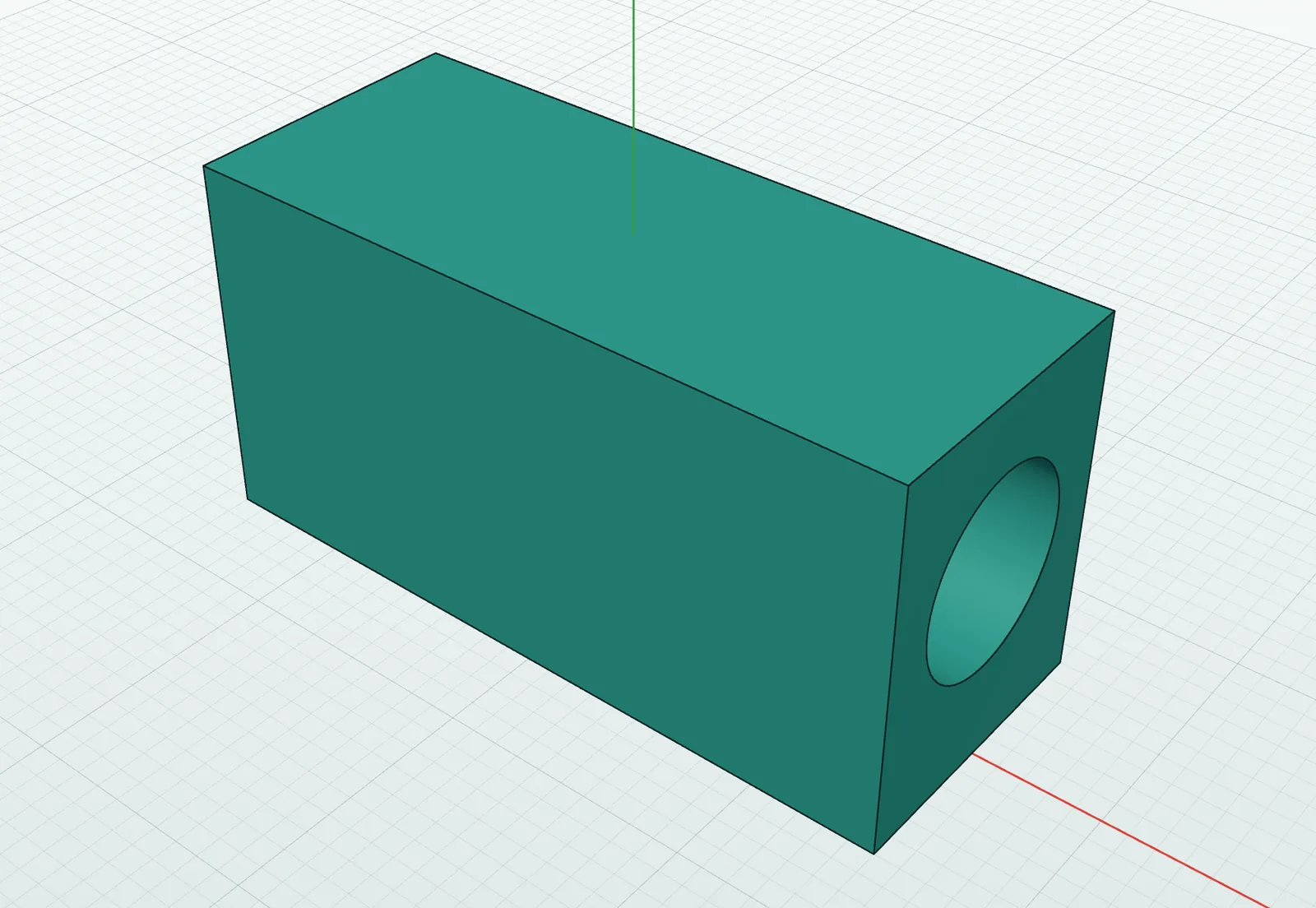
A 30 × 12 × 15 mm cable clip with a Ø8 opening for the cable. Its link shows the clip in the browser; the recipient downloads it as an STL for the printer.
- Box on XZ: 30 × 12 × 15 mm.
- Offset plane 15 mm behind YZ (distance −15 mm), and on it a Cylinder with centre (0 | 8): diameter 8 mm, height 30 mm, operation Cut.
- File → Share …, Create link, Copy link.
Download teilen.calicad and load it in CaliCAD with File → Open.
Frequently asked questions
Does the recipient need an account? No. They see the part in 3D in the browser and download it as an STL. Only to keep building on it in CaliCAD do they need an account; the free tier is enough.
Can calicad.de see my shared part? No. The key is in the link behind the # character and never reaches the server. Only encrypted data is stored.
How do I make a link invalid? On the Account page under Shared links, click Withdraw. The link then only shows that it no longer exists.
Is Share free in CaliCAD? Yes. Share is part of the design tools, which you use with a free account without a time limit. A plan adds the example file; a new account gets everything in Maker for the first 7 days.