Includes
- Design: sketch, bodies, assemblies and sheet metal
- Import of meshes (STL, 3MF, OBJ)
- Export as STL for 3D printing
- Three projects for private use, up to 50 MB in total
- 7 days of everything in Maker to start, no payment details
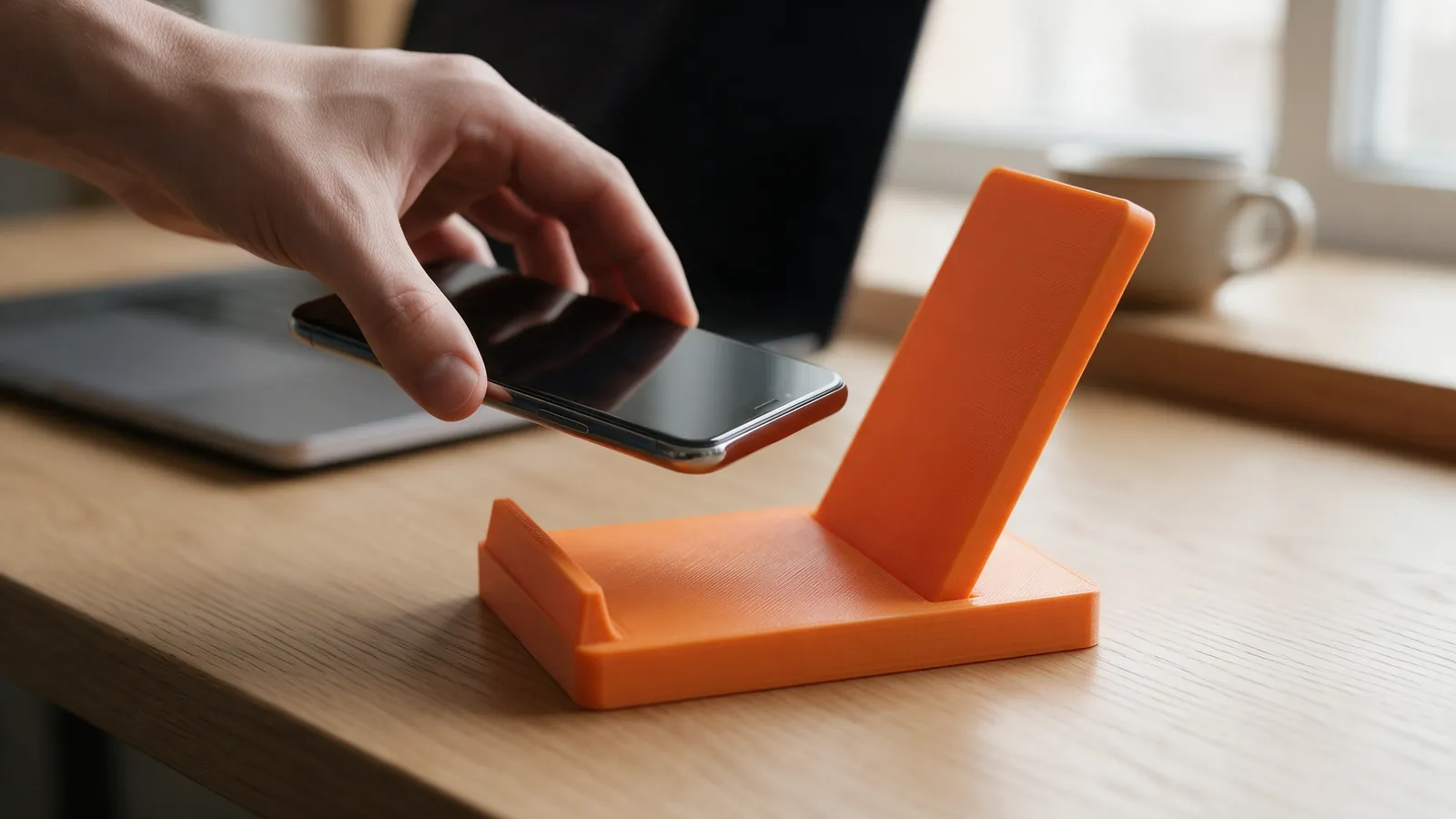
CaliCAD is 3D CAD in your browser where every dimension stays editable. In the film a phone stand takes shape: sketched, widened to 120 mm, exported as STL and printed.
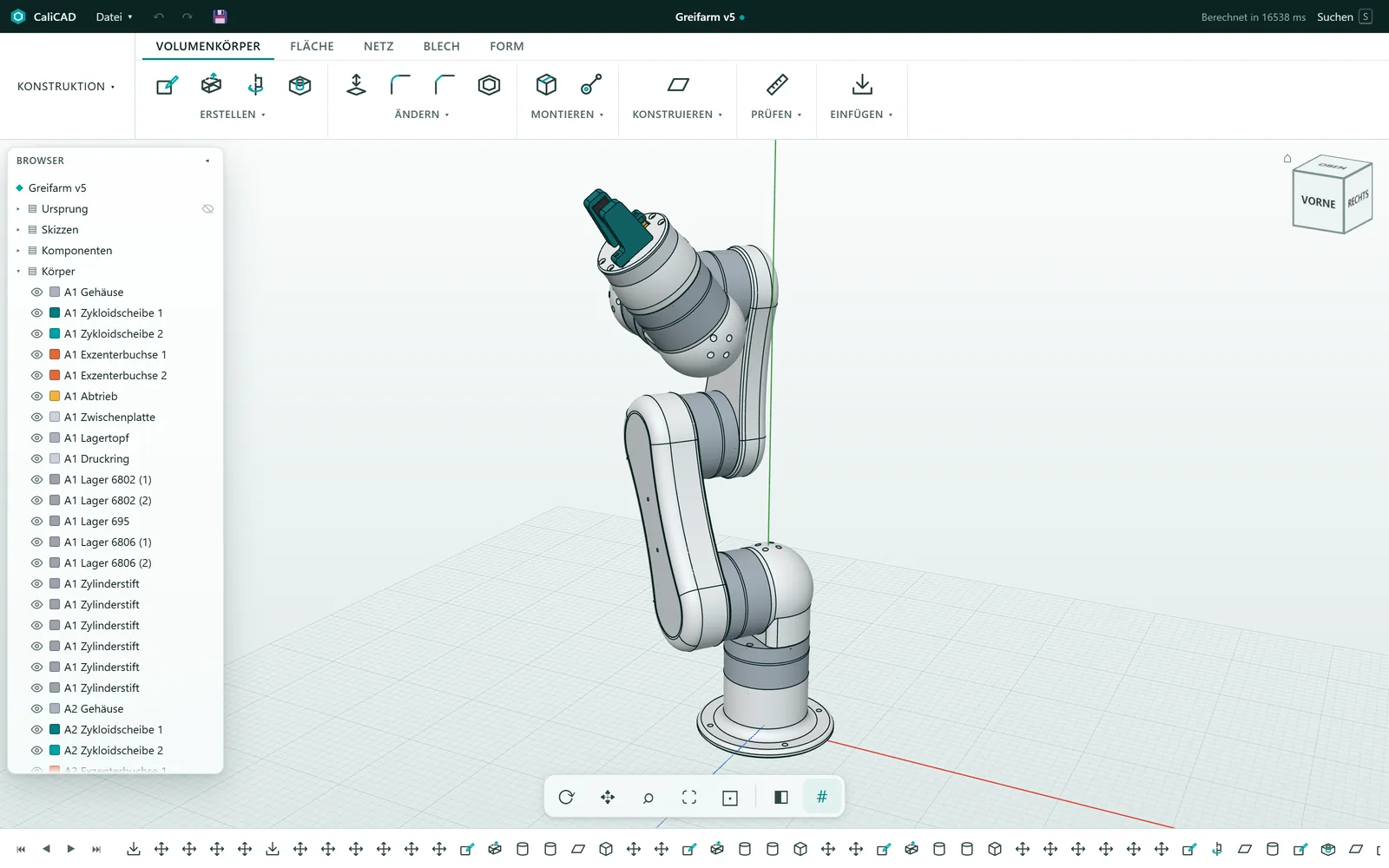
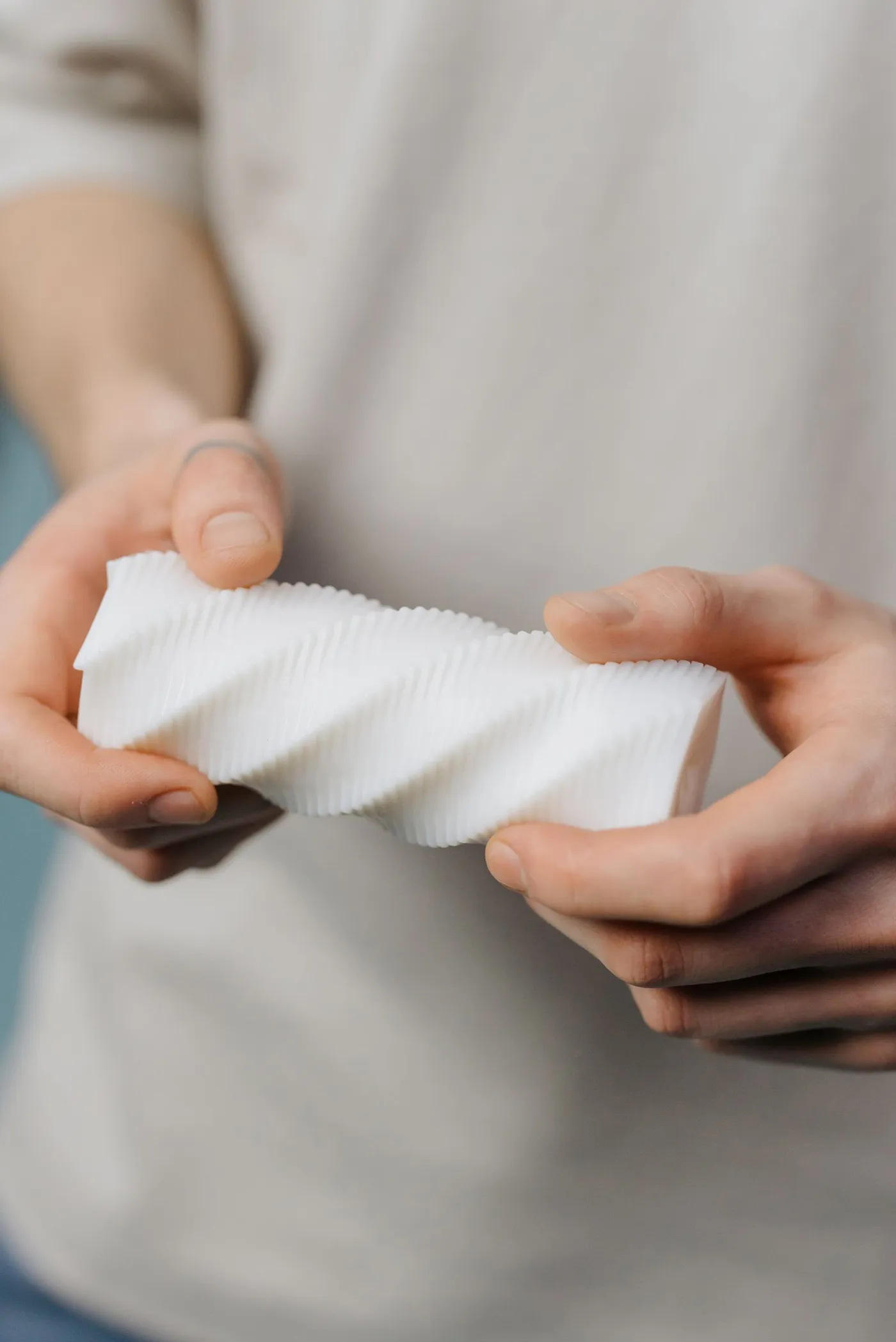
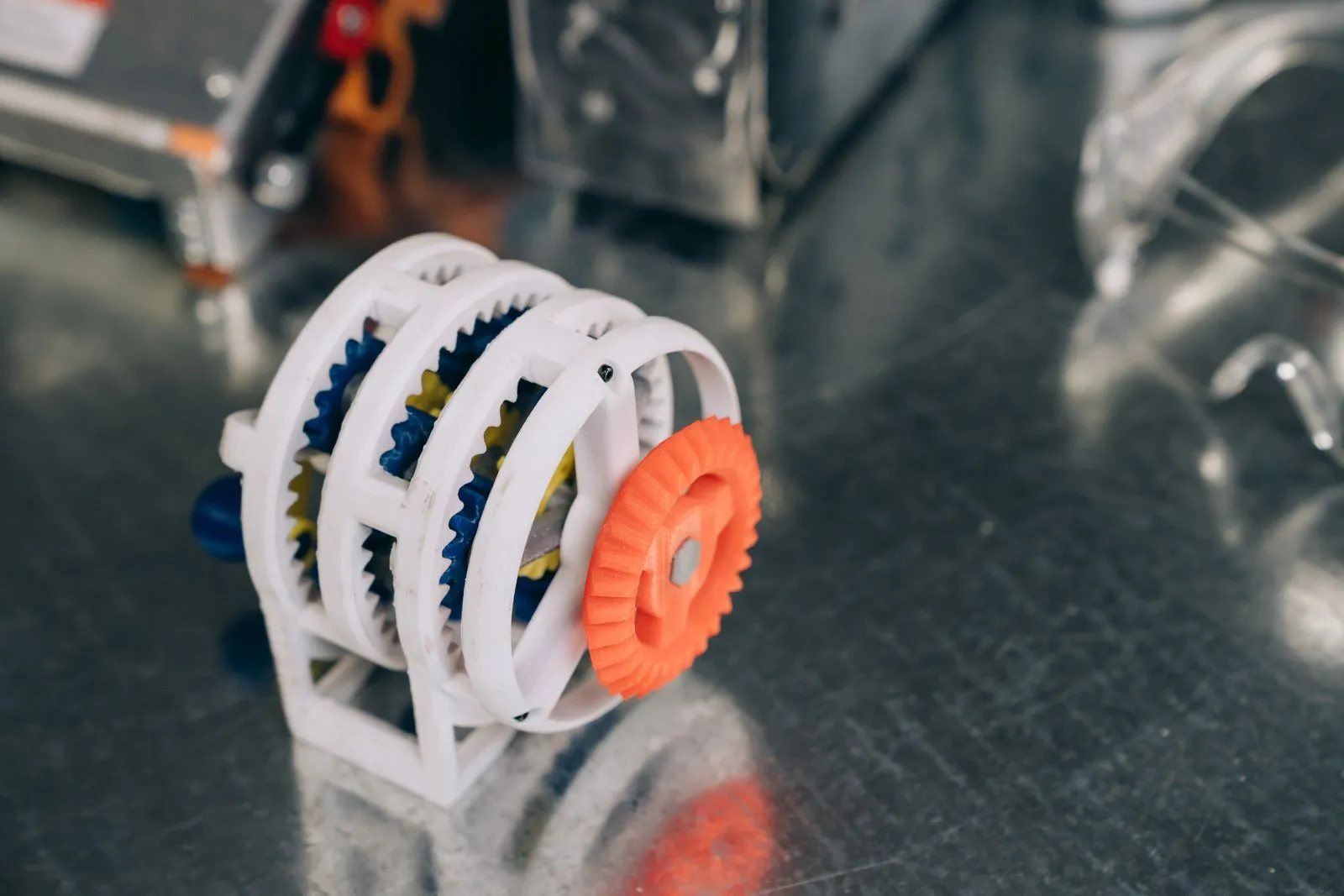
CaliCAD is for people who build things: robots, drones, holders and spare parts nobody sells anymore.
You sketch in the browser and type in dimensions. Change one, and CaliCAD recalculates the rest.
The next morning you hold what was only in your head the day before.
Every part here was designed and rendered in CaliCAD. Most of them are in the help pages step by step.
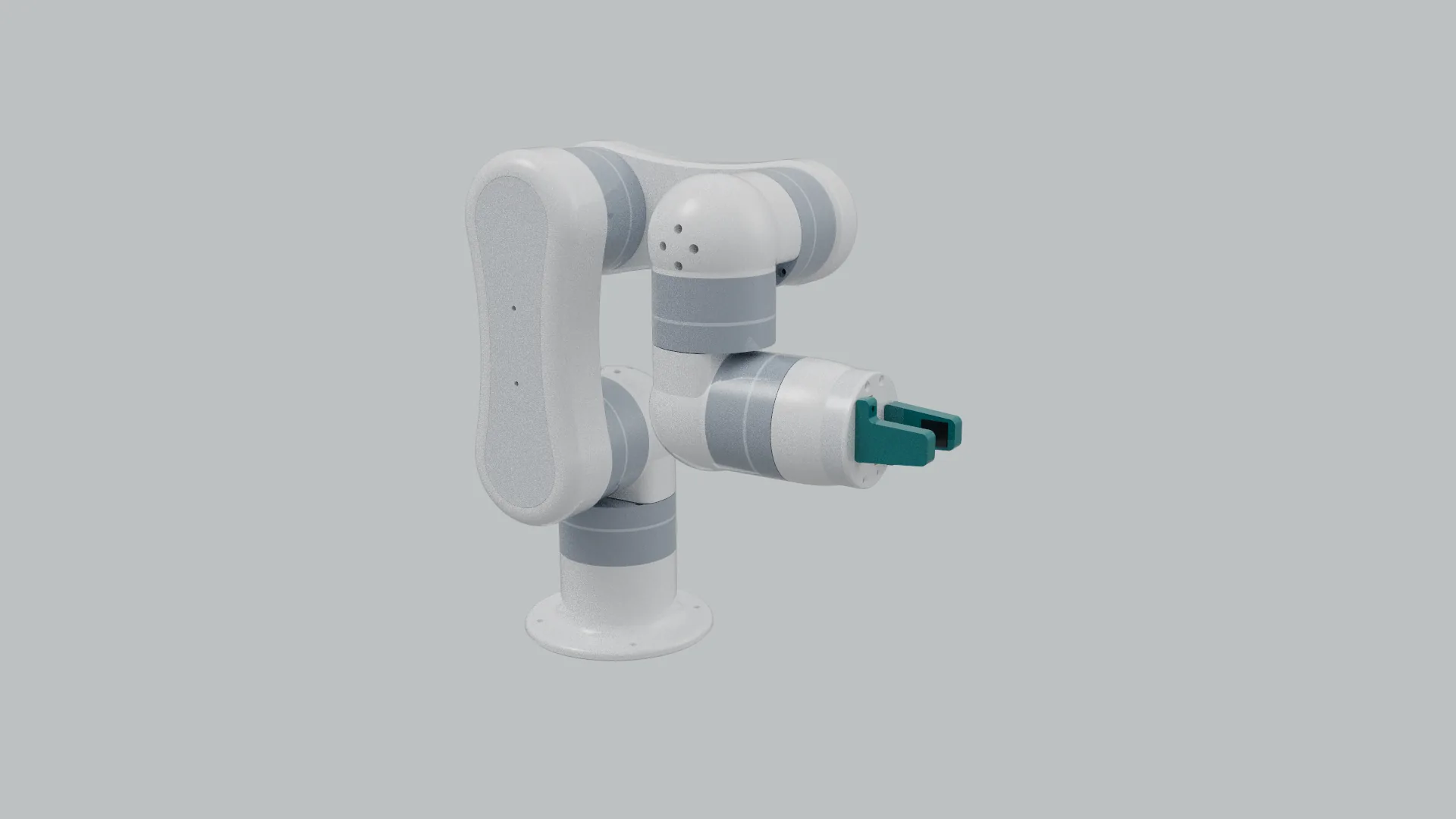
Six axes, each with a cycloidal drive, designed as one assembly and rendered in CaliCAD.
Assembly, rendering with a plan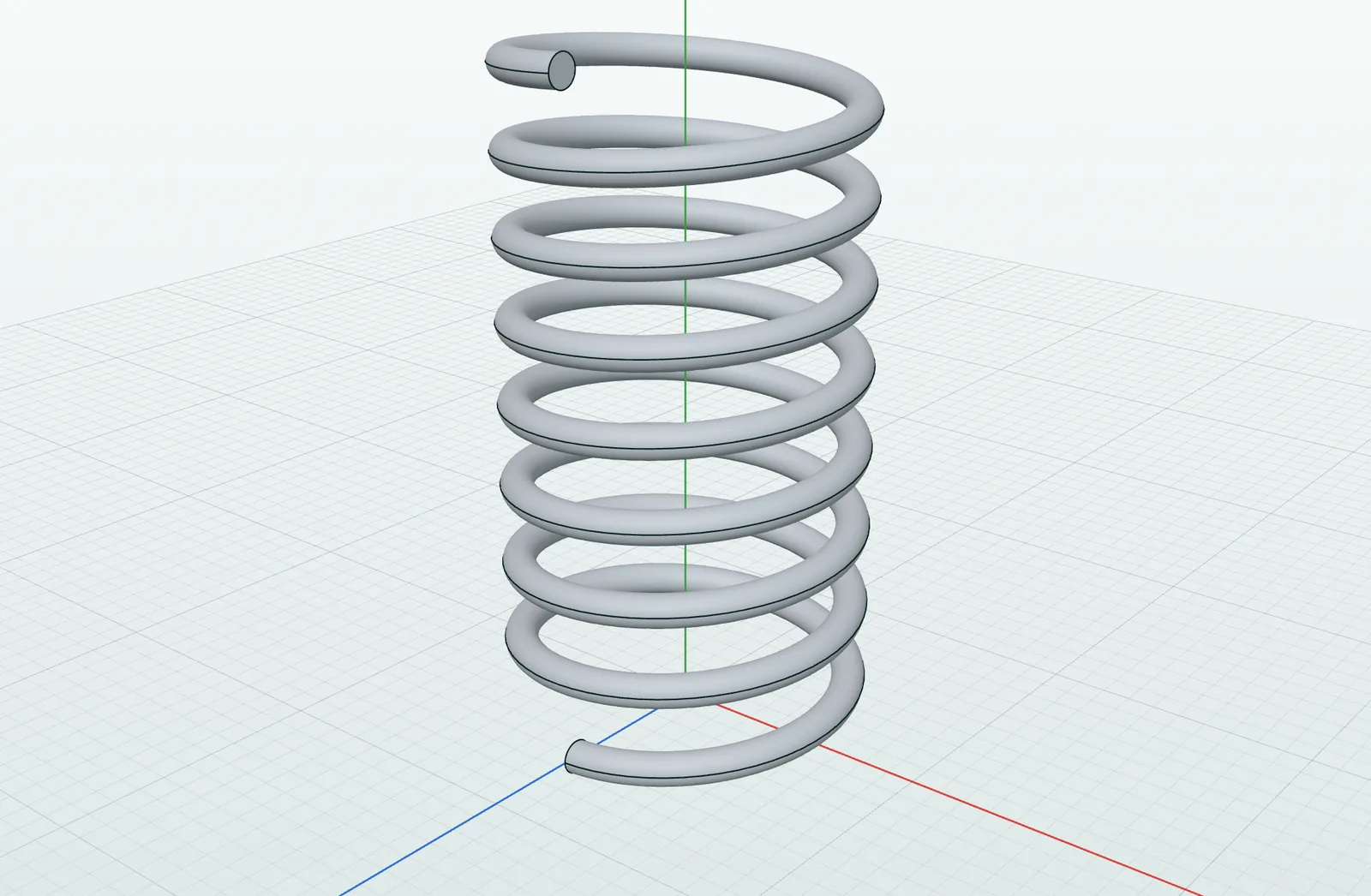
12 mm diameter, 8 turns, 1.2 mm wire: the spiral creates it in one step.
Help: spiral →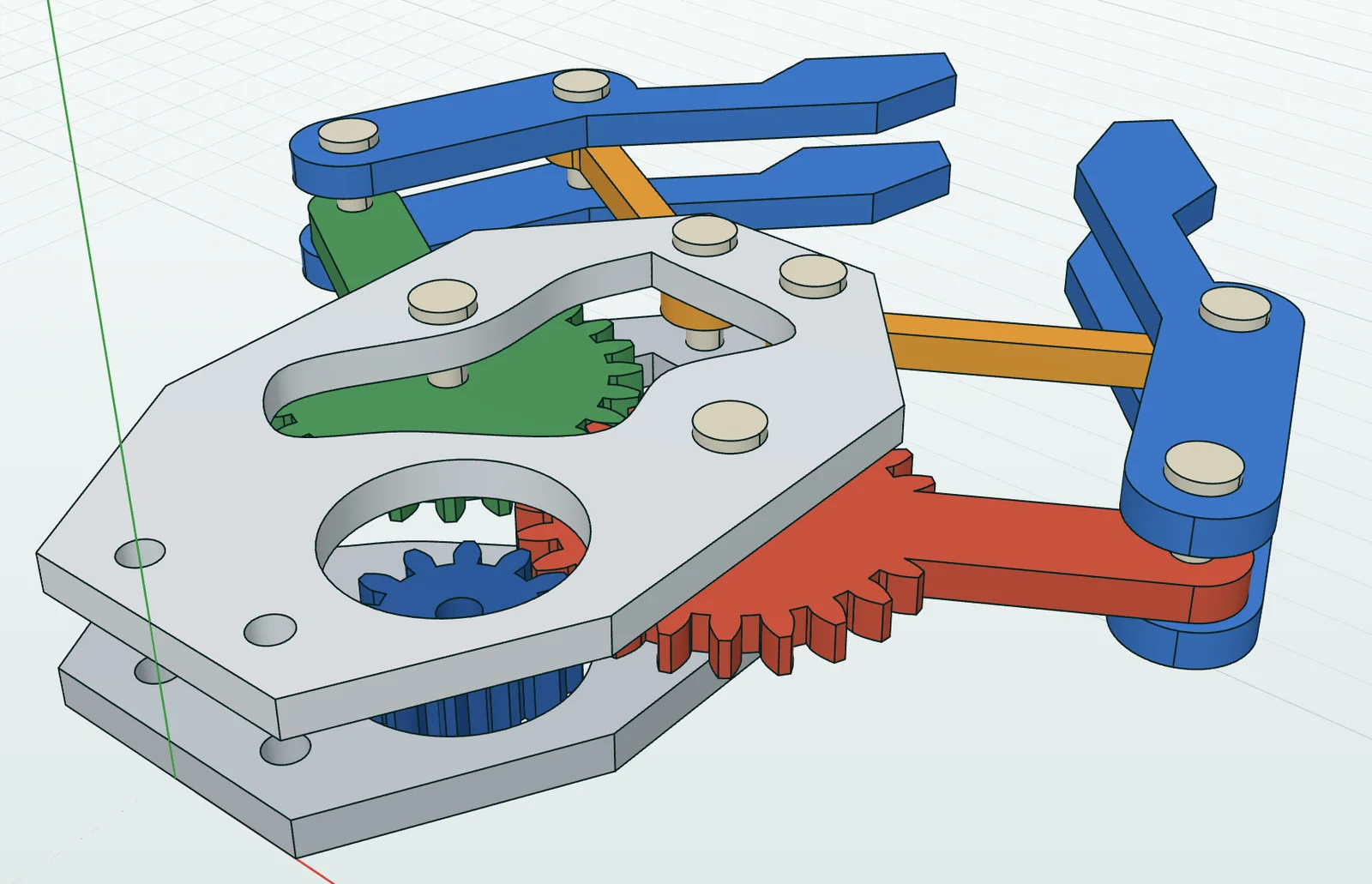
19 bodies in 8 components, every part 3 mm thick and printable lying flat.
Tutorial: servo gripper →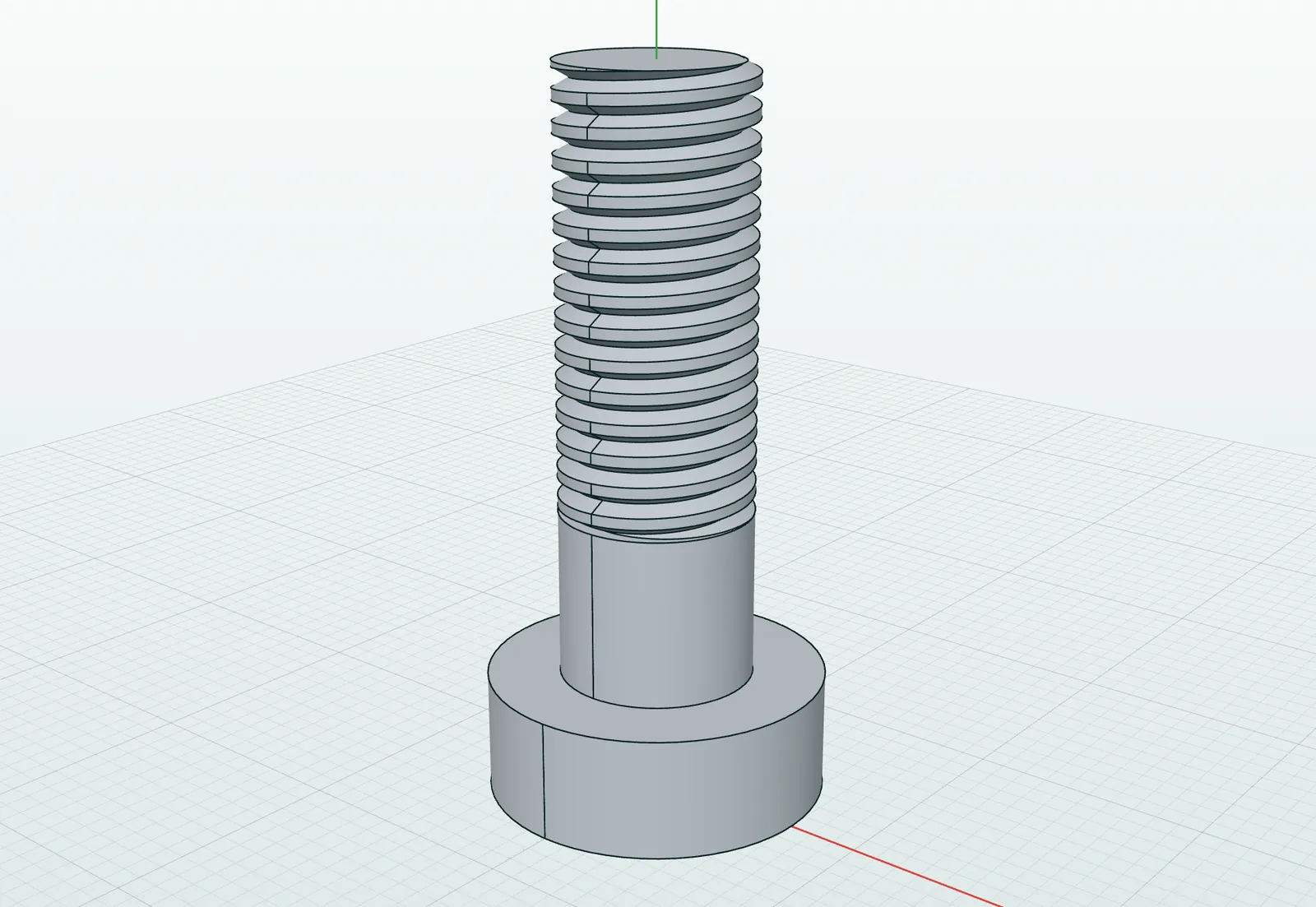
Head Ø14 mm, shank Ø8 mm, the thread modelled over 18 mm.
Help: thread →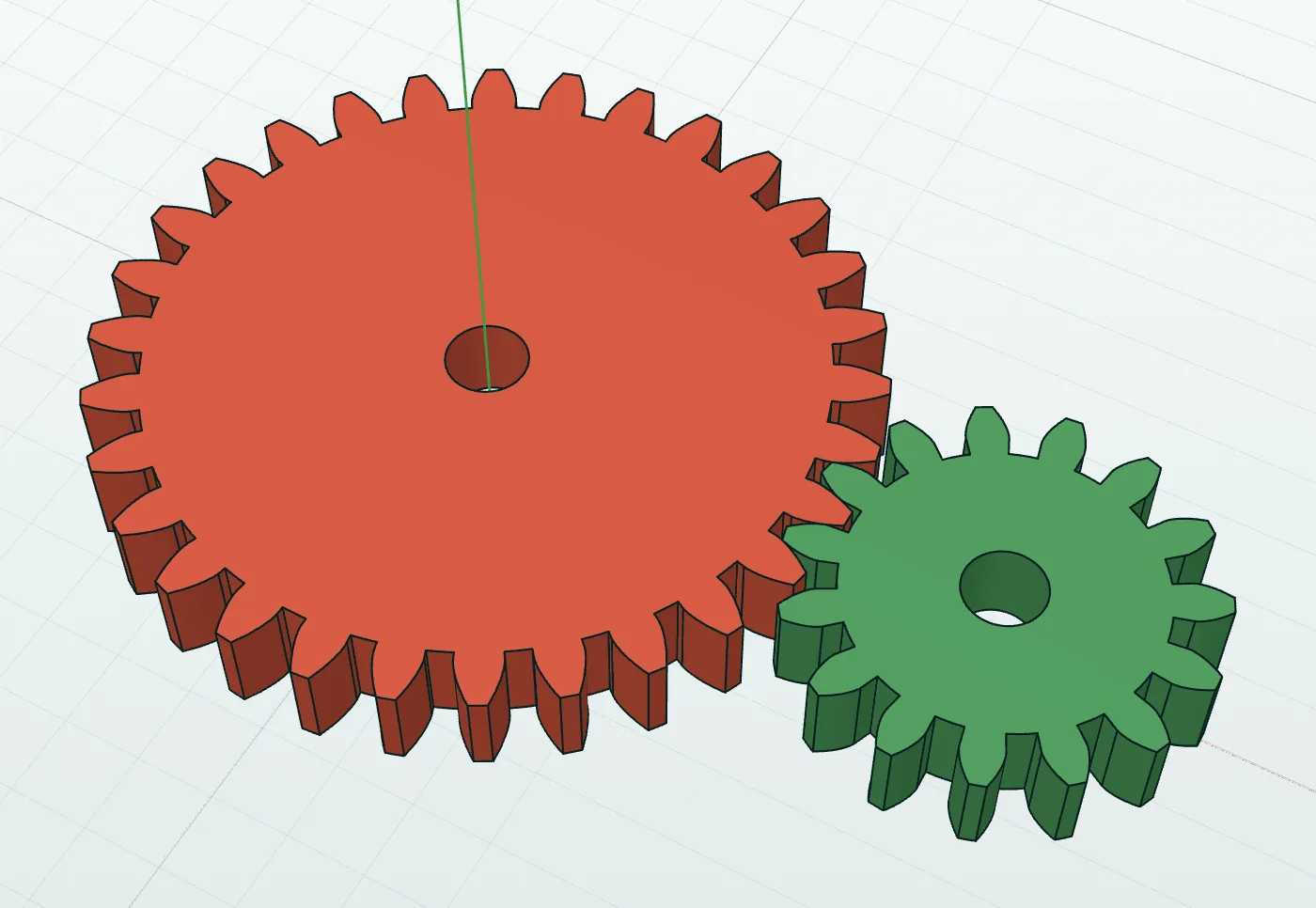
30 and 15 teeth at module 1.5 mm; the centre distance comes out at 33.75 mm.
Help: spur gear →Create a free account. Your first project opens right in the browser.
Start for freeThe phone stand from the film, as it is built in CaliCAD. Drag the width dimension or the slider: body, weight and print time change together. Calculated with 15 % infill and 0.2 mm layers.
120 mm wide 65 g PLA approx. 4 h 20 min print
Keep building this stand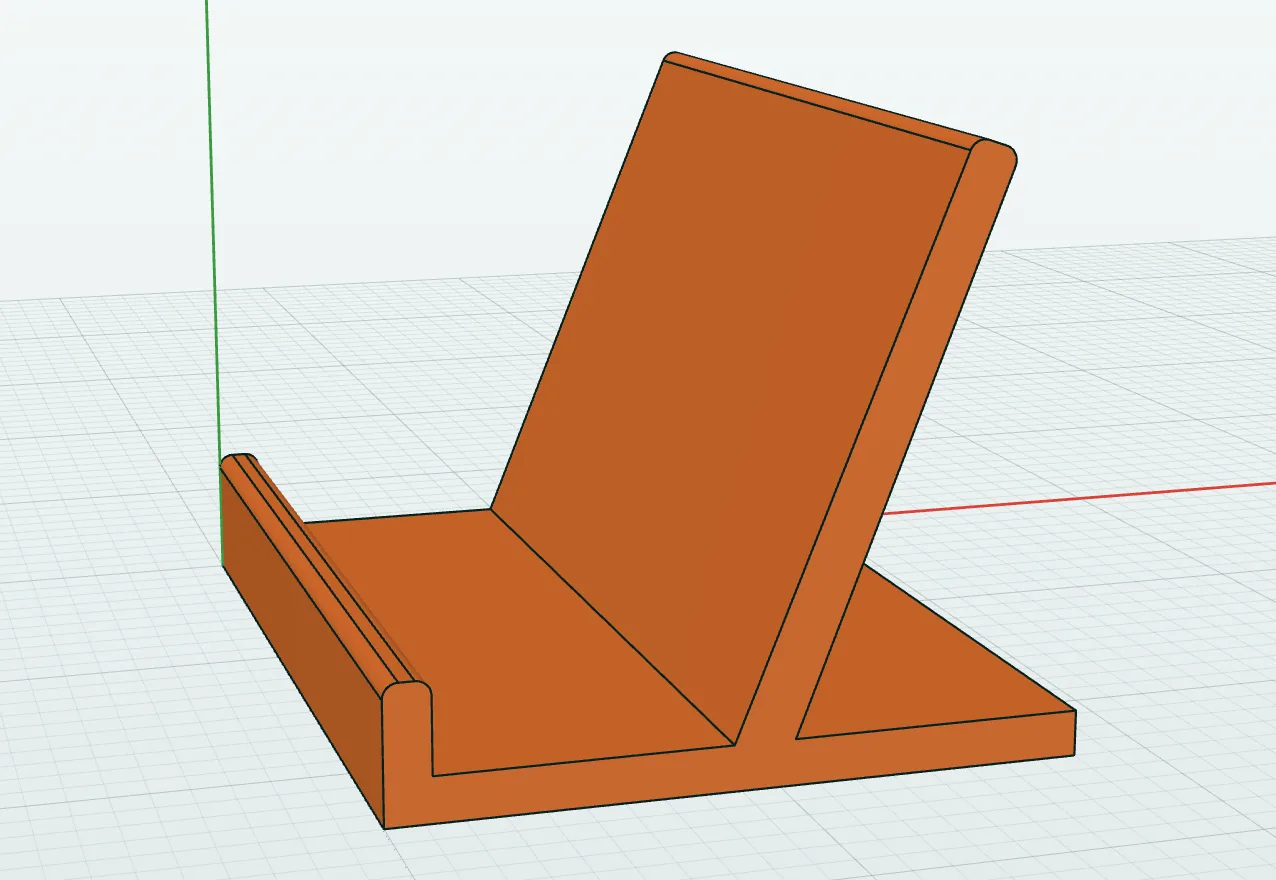
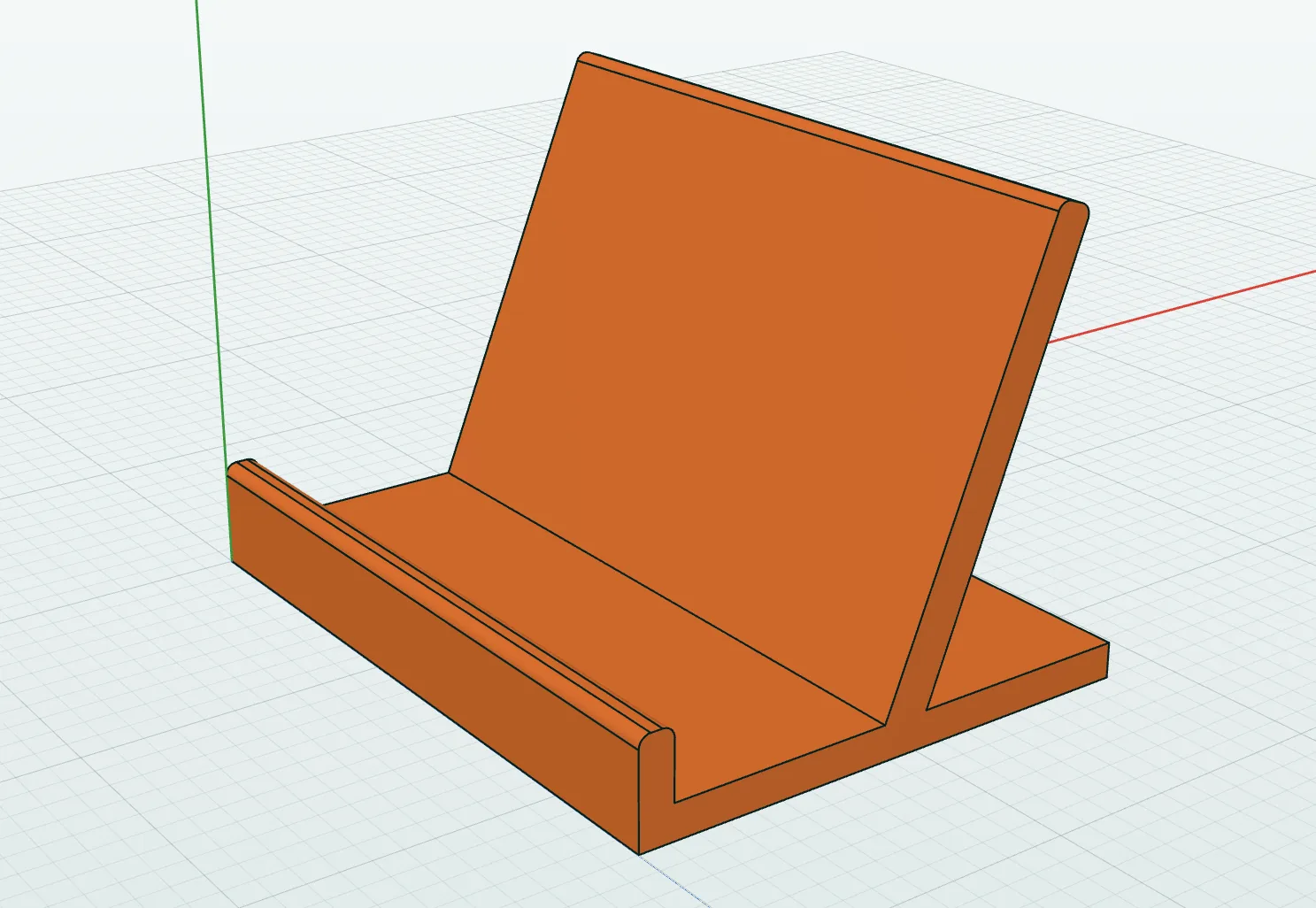
This is how long the phone stand above takes: a quarter of an hour at the computer, then it prints overnight.
Sketch the side profile10 min
Extrude to 120 mm1 min
Round the top edges2 min
Export as STL1 min
Prepare in the slicer3 min
Print, 0.2 mm, 15 % infill4 h 20 min
Tuesday, 00:37: done4 h 37 min
Designing and exporting as STL is free, for three private projects. Maker adds import of STEP, DXF and SVG, standard parts, rendering, simulation, manufacturing, all export formats, the help films, the example files, the tutorials and unlimited projects. Pro is the same for commercial use. New accounts get everything in Maker for 7 days. Paying yearly costs ten monthly fees. Final prices; as a small business we charge no VAT under § 19 UStG.
€9.99per month
For everyone who can't stop. Cancel any time to the end of the period.
€19.90per month
For shop, workshop and office. The same tools, for commercial use.
Do I have to install anything? No. CaliCAD runs in your browser and computes on your computer. After the first load it works without internet too.
Which browser? Any current browser. It runs most smoothly with a mouse and a screen at least 1280 pixels wide.
Can I take my files with me? Yes. Every project can be saved as a .calicad file and bodies as STL. A plan adds STEP, IGES, BREP, 3MF, OBJ, USD and DXF.
Can I open parts from other programs? Yes. Meshes as STL, 3MF and OBJ open without a plan. With Maker you can also import STEP, even large assemblies with several hundred bodies, and sketches as DXF and SVG.
What does parametric mean? Every dimension stays editable. Change the width in the sketch and CaliCAD recalculates every step after it.
Who owns my designs? You do. Your browser encrypts projects before saving them to your account; we only see encrypted data. Files on your computer never leave it.
How do I cancel the plan? In your account with one click. The plan runs to the end of the paid period, the yearly plan from the second year on for at most one more month; we refund the rest.
What happens to my projects if I cancel? They all stay and can be opened, edited and exported. Without a plan you can create new ones only while you have created fewer than three in total.
Is the app in English? Yes, the app switches to English, and so do the help pages. The tutorials are in German for now.
Create a free account and start tonight. The app opens right in your browser.
Plan, billed . Amount: , no VAT is charged under § 19 UStG (small business exemption). Renews automatically, cancel any time to the end of the period.