Skip to content
CaliCAD Sign in Start for free

Build for free. Do more with a plan.

Designing and exporting as STL costs nothing, for three private projects. Maker adds rendering, simulation, manufacturing, technical drawings, all export formats, the example files of the help pages, the tutorials, unlimited projects and everything still to come. Pro is the same for everyone who earns money with CaliCAD.

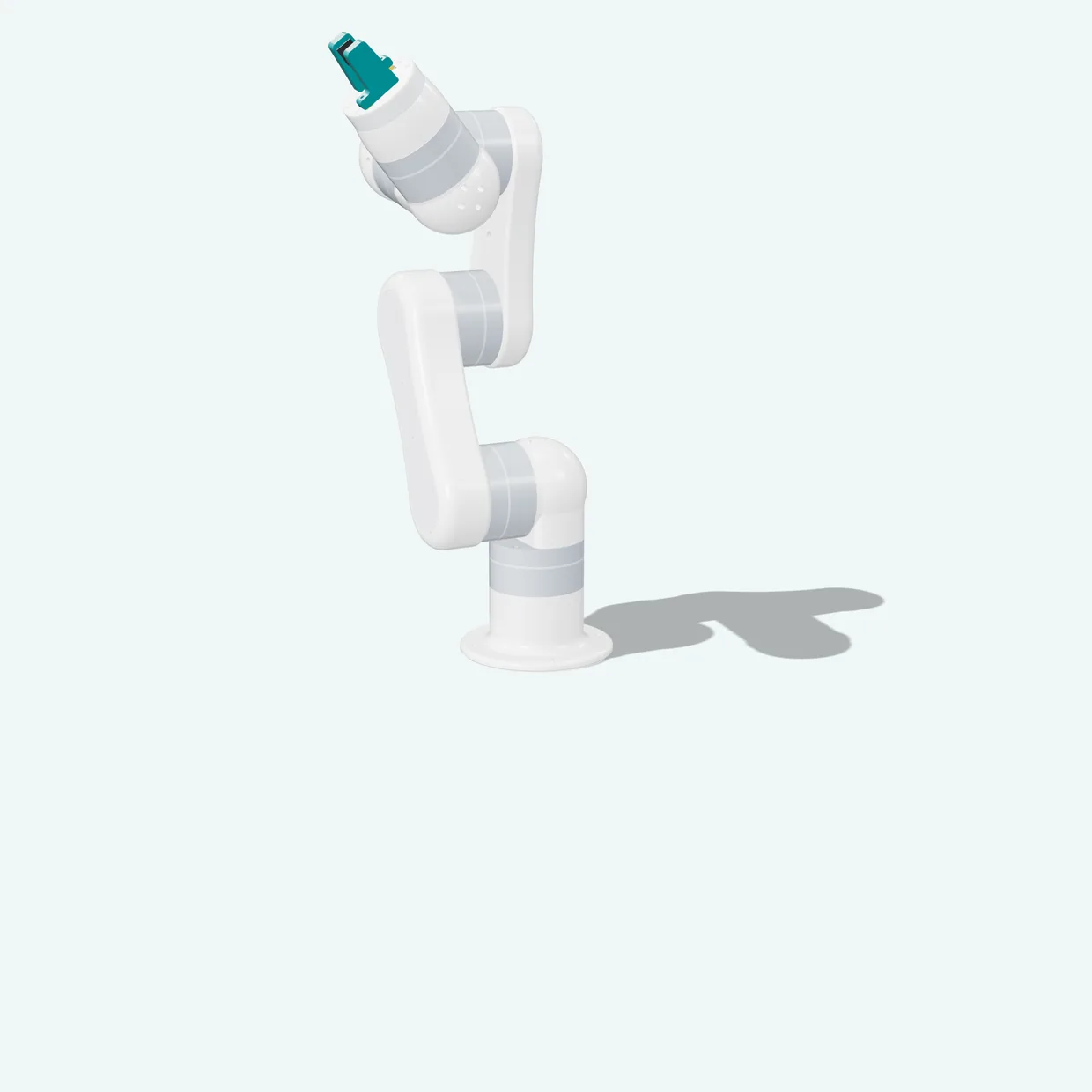
The six-axis robot arm, almost white with grey gear rings, reaching upwards with an open gripper.
ExportGreifarm v5 · 145 bodies
Format

With a plan Solid bodies for other CAD programs.

Choose a plan

Three tiers

Maker and Pro have the same tools. You need Pro as soon as you earn money with your parts. Paying yearly costs ten monthly fees. Every new account gets everything in Maker for 7 days, with no payment details.

Free

€0forever

For everyone getting started. Design and print, with no time limit.

Start for free

Includes

  • Design: sketch, bodies, assemblies and sheet metal
  • Import of meshes (STL, 3MF, OBJ)
  • Export as STL for 3D printing
  • Share parts by link, up to 10 links
  • Three projects for private use, up to 50 MB in total
  • 7 days of everything in Maker to start, no payment details

Maker

€9.99per month

For everyone who can't stop. Cancel any time to the end of the period.

Includes

  • Everything in the free tier
  • Import of STEP, DXF and SVG
  • Standard parts: over 8,000 screws, nuts, bearings and profiles
  • Rendering, simulation, manufacturing with G-code and technical drawings
  • Export to STEP, IGES, BREP, 3MF, OBJ, USD and DXF
  • Help with a film for every function (captions in German)
  • Example files of the help pages and tutorials
  • Unlimited projects, up to 1 GB in total
  • All future extensions
  • For private projects

Pro

€19.90per month

For shop, workshop and office. The same tools, for commercial use.

Includes

  • Everything in Maker
  • Commercial and freelance professional use
  • Invoice with company name and VAT ID
  • Reply to support emails within two working days

Give a year of Maker: gift card for €99.90, no subscription.

What's included

ToolFreeMakerPro
Sketch, solid bodies, assembly, sheet metalyesyesyes
Import STL, 3MF, OBJyesyesyes
Import STEP, DXF, SVG–yesyes
Export STL, save as .calicadyesyesyes
Standard holesyesyesyes
Standard parts, over 8,000–yesyes
Sharing by link, encrypted10 links100 links100 links
Projects3 in totalunlimitedunlimited
Storage50 MB1 GB1 GB
Path-traced rendering–yesyes
Simulation–yesyes
Manufacturing and G-code–yesyes
Technical drawings (PDF, DXF)–yesyes
Export STEP, IGES, BREP, 3MF, OBJ, USD, DXF–yesyes
Help for every function to readyesyesyes
Help with a film for every function (captions in German)–yesyes
Example files of the help pages, tutorials–yesyes
New tools as they arrive–includedincluded
Useprivateprivateprivate and commercial
Invoice with company name and VAT ID––yes
Reply to support emailsas soon as we canas soon as we canwithin 2 working days

No VAT is charged under § 19 UStG (small business exemption). The free tier counts created projects: a deleted project is gone at once but does not free up a place.

One assembly, three views

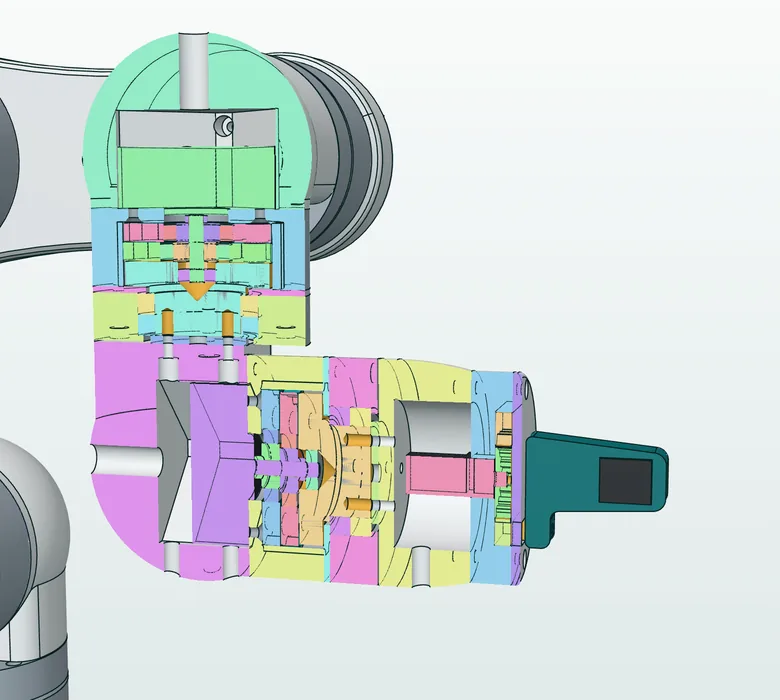
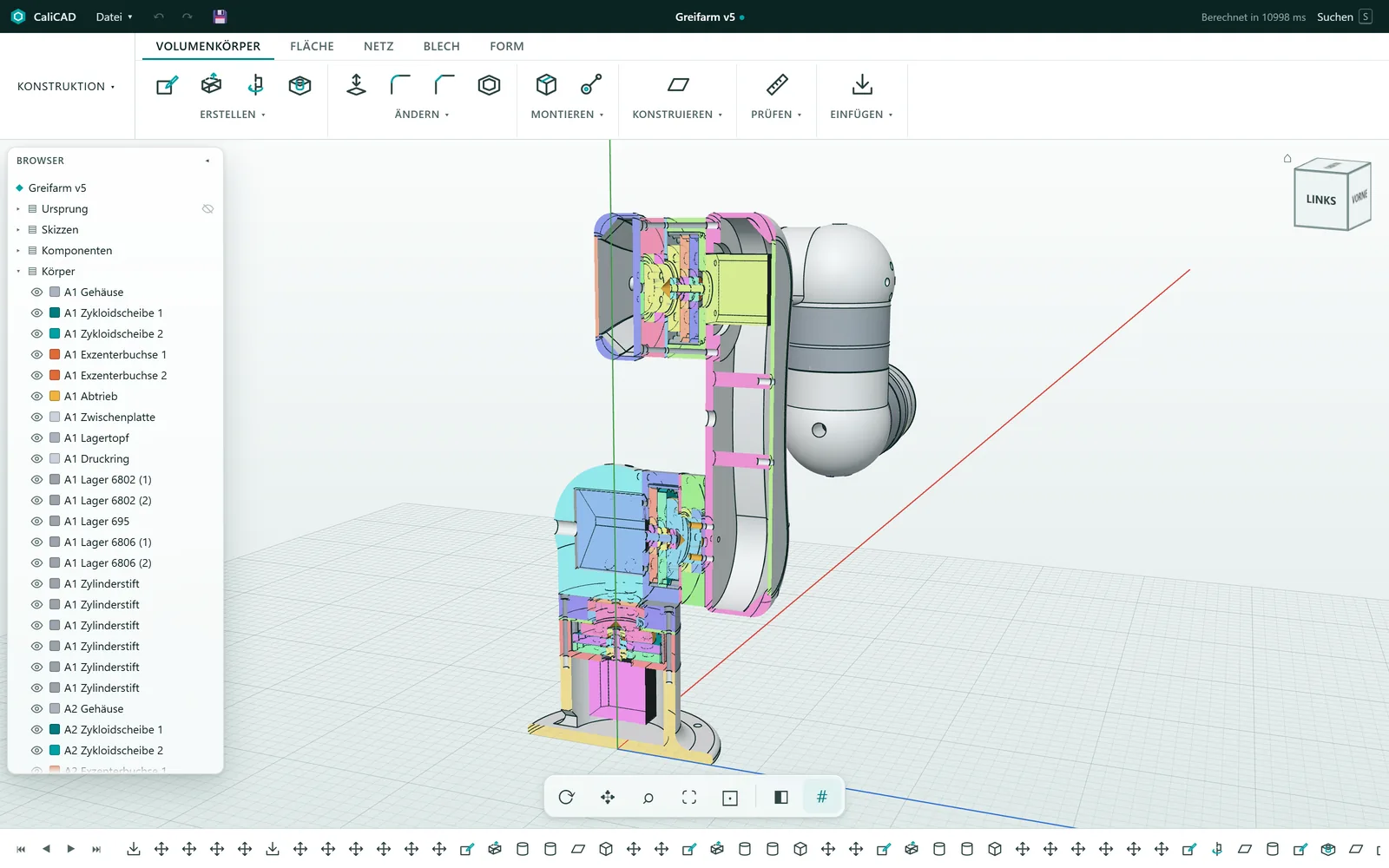
CaliCAD shows the robot arm in section through base, shoulder and upper arm: motors, cycloidal drives and bearings, each part with its own section colour.
Section through axes 1 to 3: motor, gear and bearings of each axis.
Close-up of the section through the wrist: the cycloidal drives of axes 5 and 6 with their motors, the gripper on the right.
The wrist in section: two axes and the gripper in a tight space.
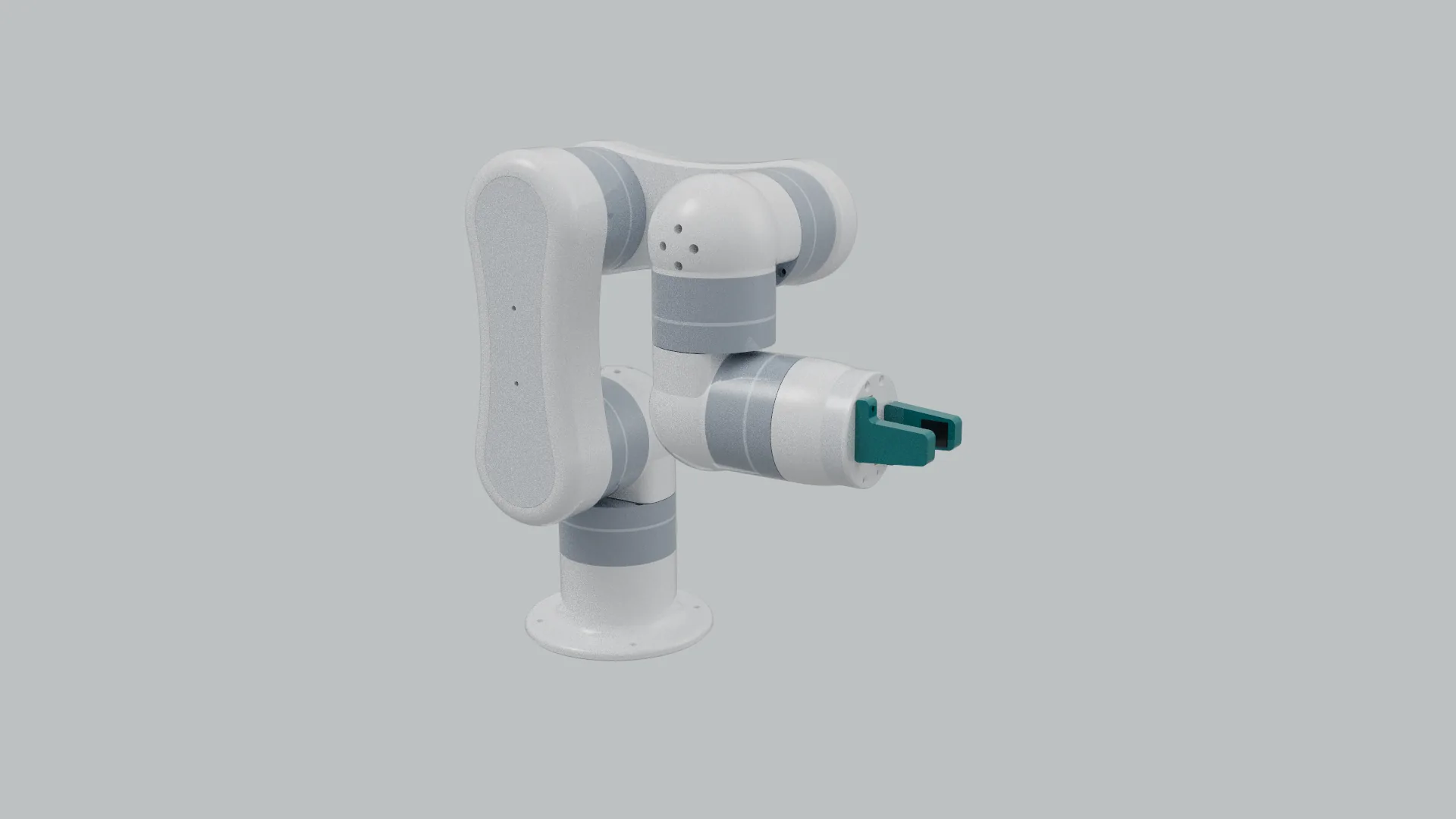
The robot arm with grey gear rings and a teal gripper, path-traced in CaliCAD.
Path-traced rendering, with a plan.

Questions about the plan

Do I need Maker or Pro? Pro, as soon as you use CaliCAD for a commercial or freelance professional activity: parts for customers, prints for your shop, designs at the office. For hobbies, repairs and your own projects, Maker is enough. The tools are the same in both.

Can I switch between Maker and Pro? Yes, any time in your account through the customer portal. The difference for the current period is prorated.

Who issues the invoice? CaliCAD, the provider named in the legal notice. It arrives by email after every payment, for Pro with company name and VAT ID on request. As a small business under § 19 UStG we do not show VAT.

How do I pay? By card, SEPA direct debit or a phone wallet, on a secure payment page.

Can I cancel? Any time in your account. The plan runs to the end of the paid period, the yearly plan from the second year on for at most one more month; we refund the rest.

What happens to my projects? They stay in your account, even if there are more than three. Without a plan you can open each one, save it as a file and export it as STL; you can create new ones only while you have created fewer than three in total. What we commit to is described under Data and security.

Why doesn't deleting free up a place? Otherwise the limit could be dodged by deleting and creating again. Deleting is still immediate and complete.

Can I try the plan first? Yes. Once your account is confirmed you get everything in Maker for 7 days, with no payment details. After that the free tier applies by itself; you don't have to cancel anything, and your projects stay in your account.

What is the launch price? The first 100 buyers of the yearly Maker plan pay €69 instead of €99.90 in the first year, then €99.90 a year. The Maker card shows how many places are left.

Can I give CaliCAD as a gift? Yes, with a gift card for a year of Maker at €99.90. The code comes by email, with a card to print; it is redeemed in the account. No subscription is created.

Where is my data stored, and who can read it? The servers are in Germany, the encrypted backups are in Finland, and email is sent through France. Your browser encrypts your projects before uploading them; we cannot read them. The details are under Data and security.

Does CaliCAD work offline? Yes. After the first load the app starts without a network too. Saving to your account needs a connection.

Do I need a fast computer? A current browser is enough. Large assemblies like the robot arm compute noticeably faster on fast computers.
Start for free.

Add the plan when you need it. Until then you design for free and print as STL.

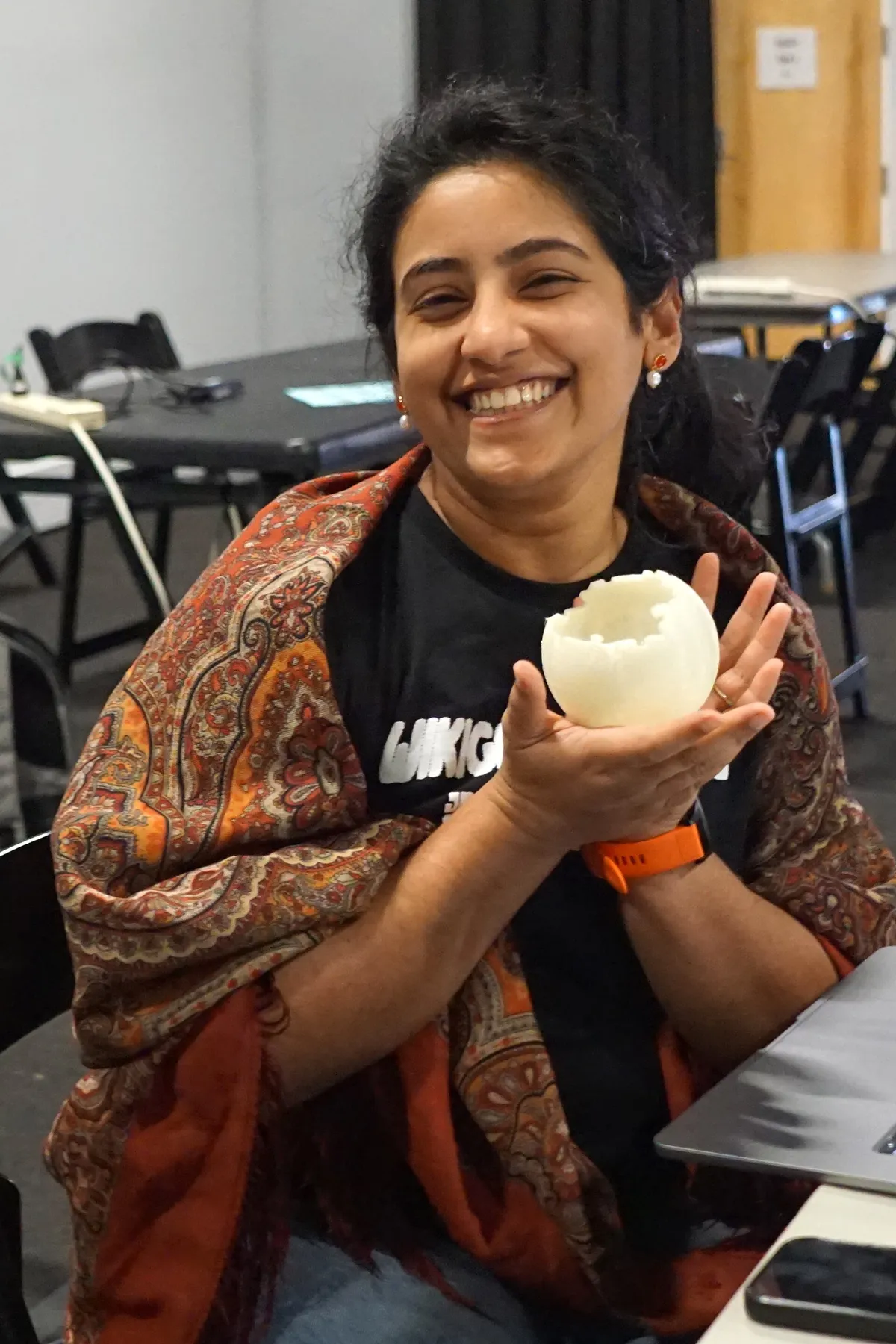
A laughing woman holds a white printed globe in both hands.