Skip to content
CaliCAD Sign in
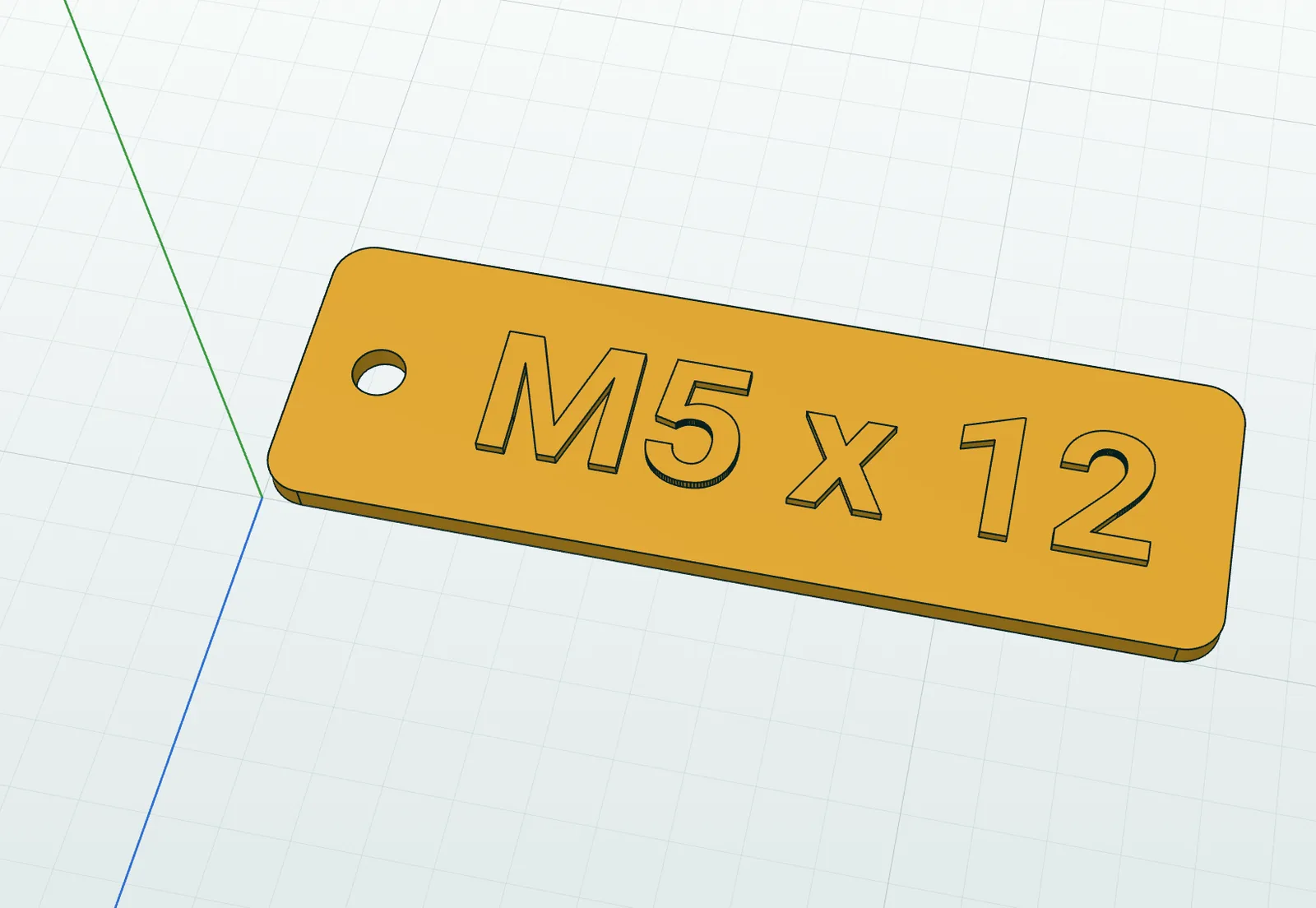
Label with raised lettering, rendered in CaliCAD

Templates

Label with raised lettering

Width, height, thickness and corner radius of the plate are parameters, as are the hole for a screw or cable tie and the height of the lettering above the plate. For a different text, open the sketch “Schrift”, delete the text and place a new one at the same spot with Create → Text. Then click the letters again in the feature “Schrift”, because the extrusion remembers each letter separately.

Default size on the print bed: 70 × 22 × 2.8 mm

Open in CaliCAD

Parameters

These values are in CaliCAD under Parameters. Every change recalculates the whole part. The names stay as they appear in the app.

MeaningNameDefault
Width of the plate (the text “M5 x 12” needs 68 mm)breite70 mm
Height of the plate (the lettering is 10 mm tall)hoehe22 mm
Thickness of the platedicke2 mm
Corner radiusradius3 mm
Height of the lettering above the platerelief0.8 mm
Diameter of the mounting holeloch4 mm

Printing

Plate on the bed, lettering up. For two-colour labels change the filament at the height of the plate's top face.

PLA, without supports. Solid 3.2 cm³, about 4 g of PLA at 100 % infill.