Help · Design · Mesh
Repair mesh
Repairs downloaded STL, OBJ and 3MF meshes so that slicers, Combine and conversion can work with them.
Mesh → Edit → Repair
How it works
- In the Mesh tab, load the file with Insert mesh.
- Inspect → Check mesh shows what is wrong with the mesh.
- Choose Edit → Repair, click the mesh body and confirm. The note in the timeline says what was changed.
- Afterwards, Combine can work on the mesh together with solid bodies, for example to cut a hole into it.
- Action
- Repair merges identical vertices, removes degenerate and duplicate triangles, aligns flipped triangles with their neighbours and turns closed pieces outwards. Scale enlarges or reduces the mesh around the origin.
- Mesh body
- The mesh that is edited.
- Keep only the largest piece
- Removes loose splinters and keeps only the largest connected piece.
- Factor (about the origin)
- Scale only: 2 doubles all dimensions, 0.5 halves them.
Repair does not close holes; for that there is Fill holes in the same menu.
Combine works with a mesh as soon as one is involved. Solid bodies are meshed finely for it, and the result is a mesh body. Combine refuses open meshes.
Example: Flipped STL with a hole
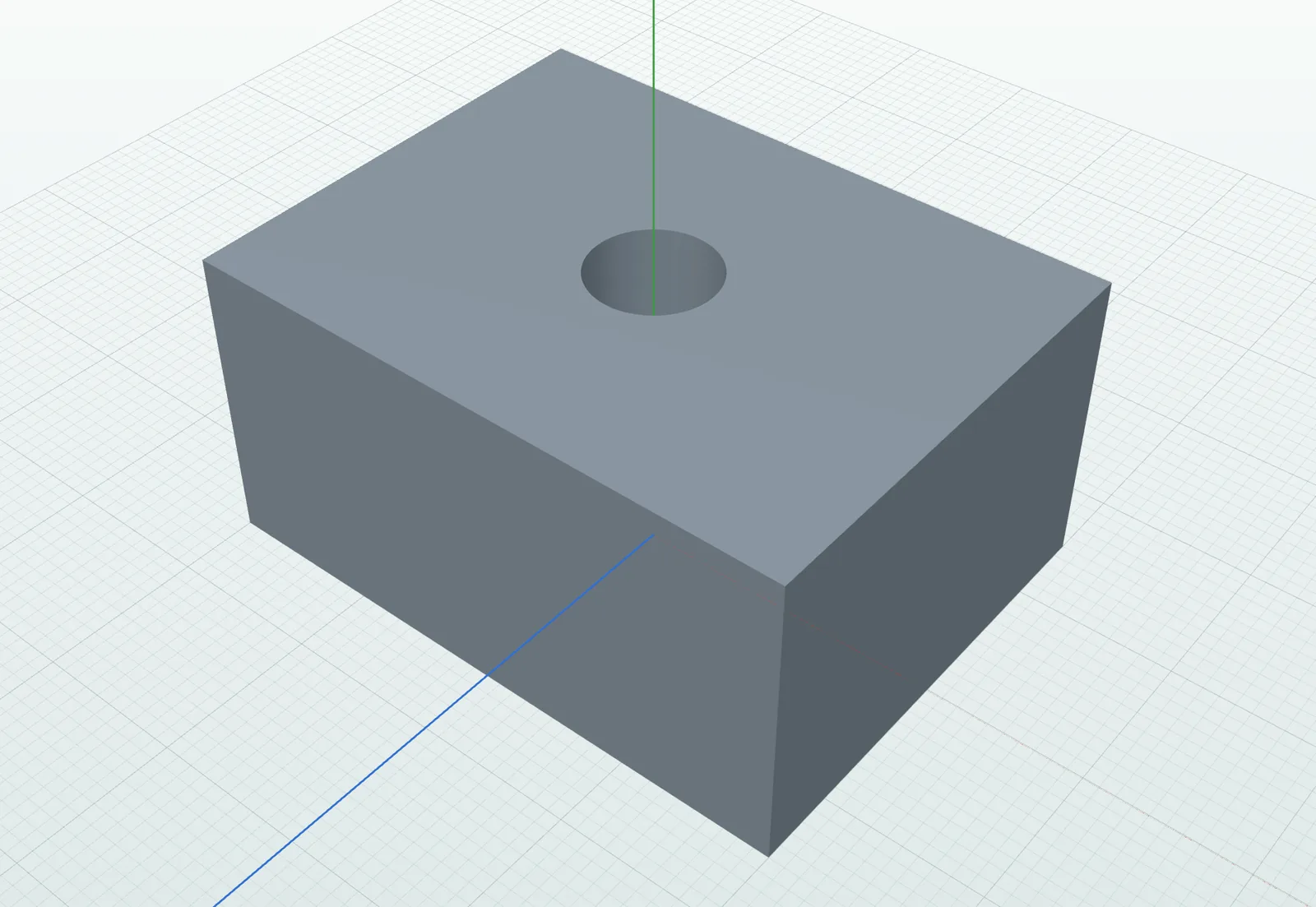
A 40 × 20 × 30 mm holder as an STL in which every fourth triangle points the wrong way. Repair turns the triangles back; then a Ø8 cylinder cuts a hole through the mesh.
- Insert mesh: the STL of the holder.
- Edit mesh, action Repair, click the holder.
- Cylinder on XZ: diameter 8, height 30 mm, operation New body.
- Combine: the target is the mesh, the tool the cylinder, operation Cut.
Download netz-reparieren.calicad and load it in CaliCAD with File → Open.
Frequently asked questions
Why can my STL not be combined with a body? Combine needs a closed mesh. Check geometry shows holes and flipped triangles; Repair and Fill holes fix them.
Does Repair close holes too? No. Repair merges points, removes broken triangles and aligns flipped ones. Fill holes closes holes.
Is Repair mesh free in CaliCAD? Yes. Repair mesh is part of the design tools, which you use with a free account without a time limit. A plan adds the example file; a new account gets everything in Maker for the first 7 days.